
 gb
gb


 Screwdriver
 Set of Tools pack tools
 Professional quality tools range
 Adhesive
 Consumables
 Chargers and similar
 Book and covers
 Frequently asked questions and help
 A few tips
 Shipping - Piece Mobile
 Secure payment to 100%!
 Pay by Administrative Order
 Professional Discount
 Warranties Pieces-mobile.com
 Legal notices for the shop Pieces-mobile.com
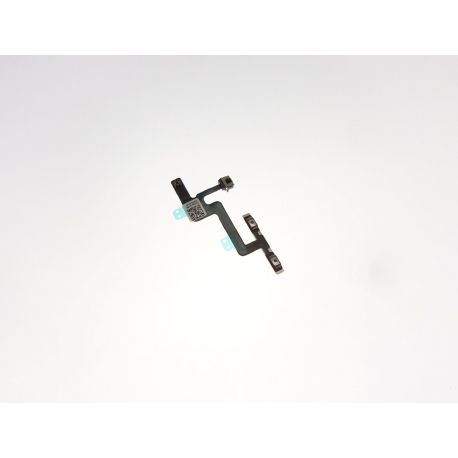 View larger
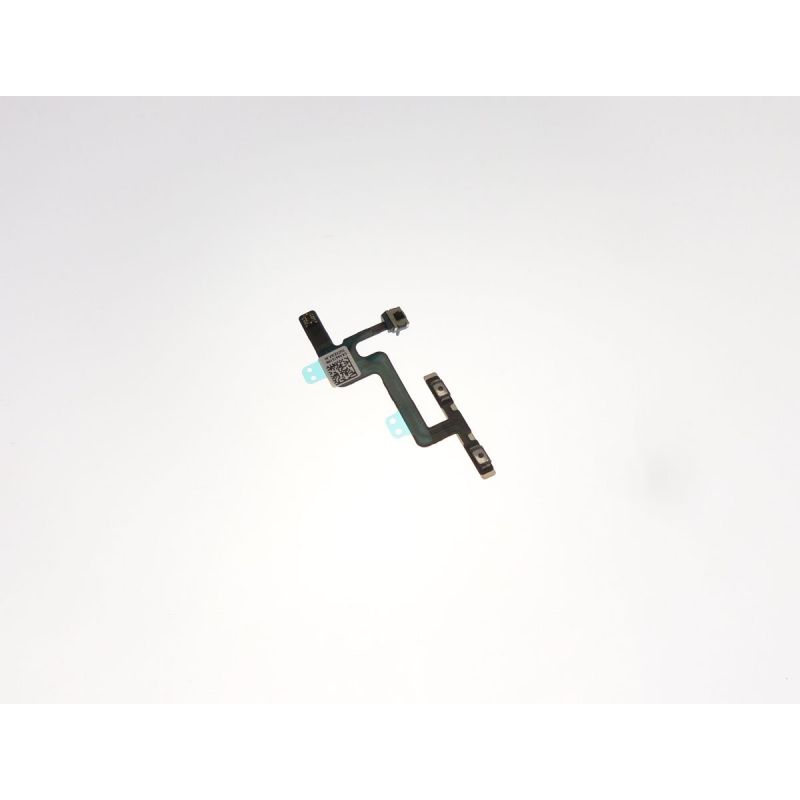
Flexible volume Apple for iPhone button tablecloth 6
PMFR6378
New
Flexible sheet of the Apple Iphone 6 volume button.
Videos
More info
Change the slick buttons volume and an iPhone vibrator 6 < /.H2 >
The slick buttons your iPhone volume 6 is defective? The volume of your iPhone buttons 6 no longer hurt? Your iPhone vibrate button doesn't work anymore? The replacement of the water of the buttons volume and vibrator can solve the problems of volume buttons on your iPhone 6
This tutorial will explain how replace yourself the tablecloth of the volume buttons and your iPhone vibrate 6
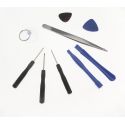
- 1 flat screwdriver
- 1 Philips screwdriver
- 1 screwdriver replacement
- 2 opening plastic levers
- 2 picks of the opening
- 1 suction extraction
Remove the front of the iPhone 6
- Before proceeding with disassembly < strong > your iPhone 6, start first by extinguish.
- Insert a paper clip in the small hole located which is tropening on the right side of your iPhone 6 to remove the SIM card support. < /span >
- Use your replacement screwdriver to remove the two screws on part and on the other of the < stRong >lightning iPhone connector 6.
- Place a suction cup on the your iPhone glass 6, then pull up to slightly away from the chassis. < SPyear >
- Lift it up block your iPhone screen 6
vertically until the front face is 90 degrees to the chassis.
Disconnection of the layers of the screen < / h4>
- Use your screwdriver to unscrew the 5 screws that hold the metal plate that protects the connectors from the screen.
- Using your plastic spatula, remove the < stRong >tablecloth of the front camera of the iPhone 6 .
- Disconnect the water of the speaker and the proximity sensor. < /span >
- Disconnect your iPhone touchscreen glass cloth 6.
- Also disconnect the water of the screen LCD.
- Once all of these connectors disconnected, drop it < stRong >block your iPhone screen 6 .
Replace the slick volume and vibrate your iPhone 6
- Use your screwdriver to remove the 2 screws that hold the your iPhone vibrate 6. Now, drop the vibrator using your pliers of precision.
- Take off the adhesive of the battery to remove the battery of your iPhone 6 of its location.
- Unscrew the 2 Phillips head screws that hold the metal plate of protection of the < strong >slick volume-vibrator. Using your plastic spatula, remove the < stRong >slick volume and vibrate your iPhone 6.
- Unscrew the 3 screws that hold the metal plate of the volume buttons. Once unscrewed, gently remove the < strong >slick volume-Shaker iPhone 6 < /.strong >.
- You can now remove the entire water volume + metal plate of the volume buttons. Separate the water of the metal plate to replace it with a brand-new.
- For back up your iPhone 6, simply repeat steps of this tutorial in the reverse order


Accessories
Delivery Date
Order before 14 h
for delivery between 22/10 and the 25/10/26
Approximate date using Suivi GRATUIT moreInfo