
 gb
gb


 Screwdriver
 Set of Tools pack tools
 Professional quality tools range
 Adhesive
 Consumables
 Chargers and similar
 Book and covers
 Frequently asked questions and help
 A few tips
 Shipping - Piece Mobile
 Secure payment to 100%!
 Pay by Administrative Order
 Professional Discount
 Warranties Pieces-mobile.com
 Legal notices for the shop Pieces-mobile.com
Videos
Data sheet
| Pre-gluing of the glass: | Yes: No need for adhesive most of the time |
| For what type of breakdown? | Typical Touch Problems: Touch sensitivity fault, the keypad does not respond but the picture works well, can not enter the PIN code, screen that remains frozen on the logo when starting. |
More info
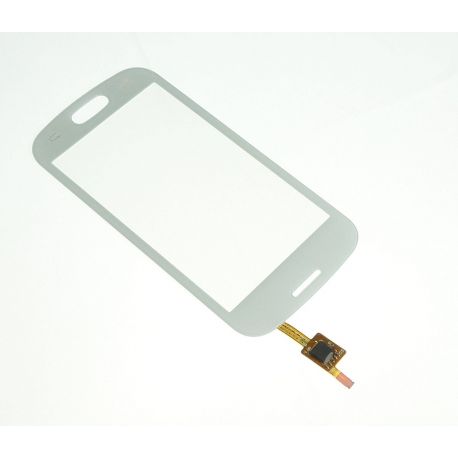
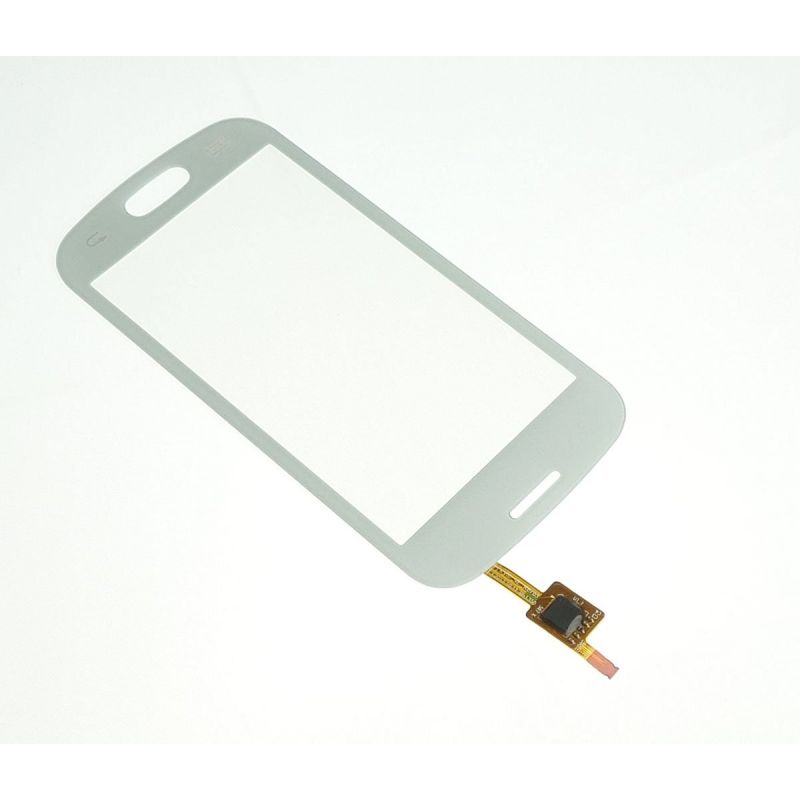
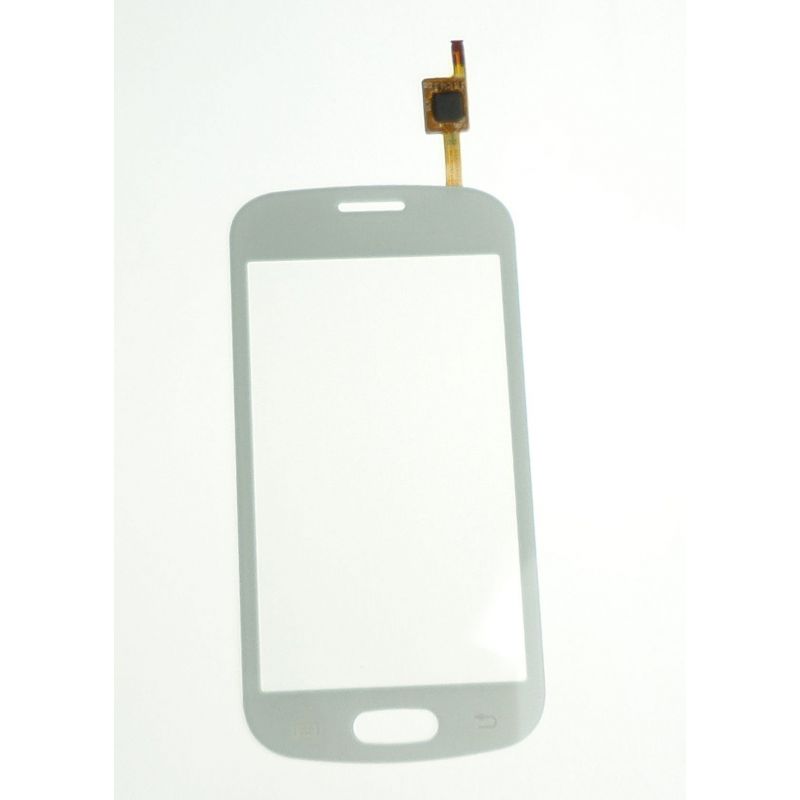
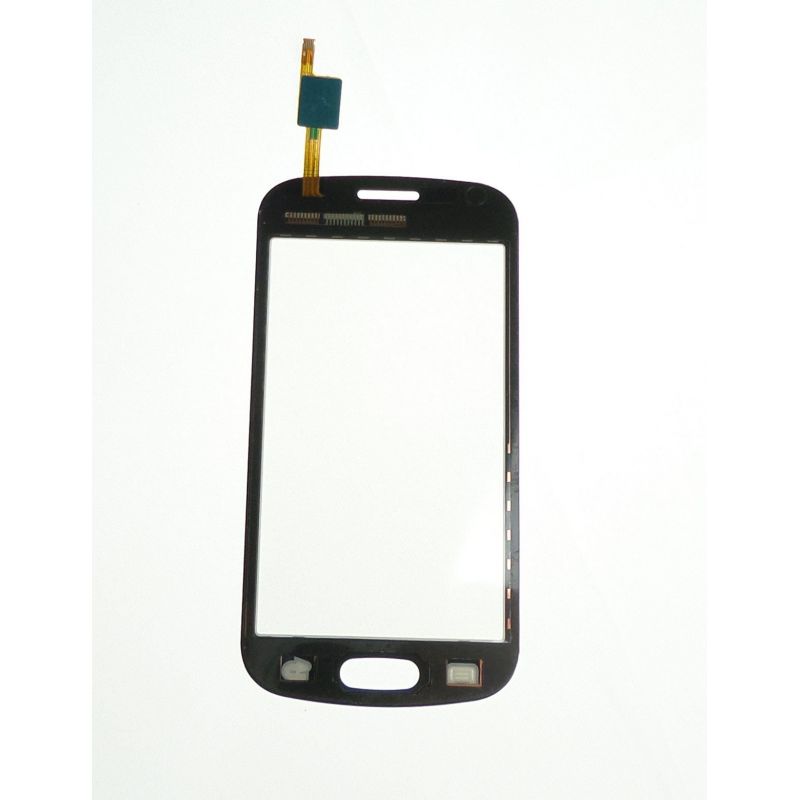
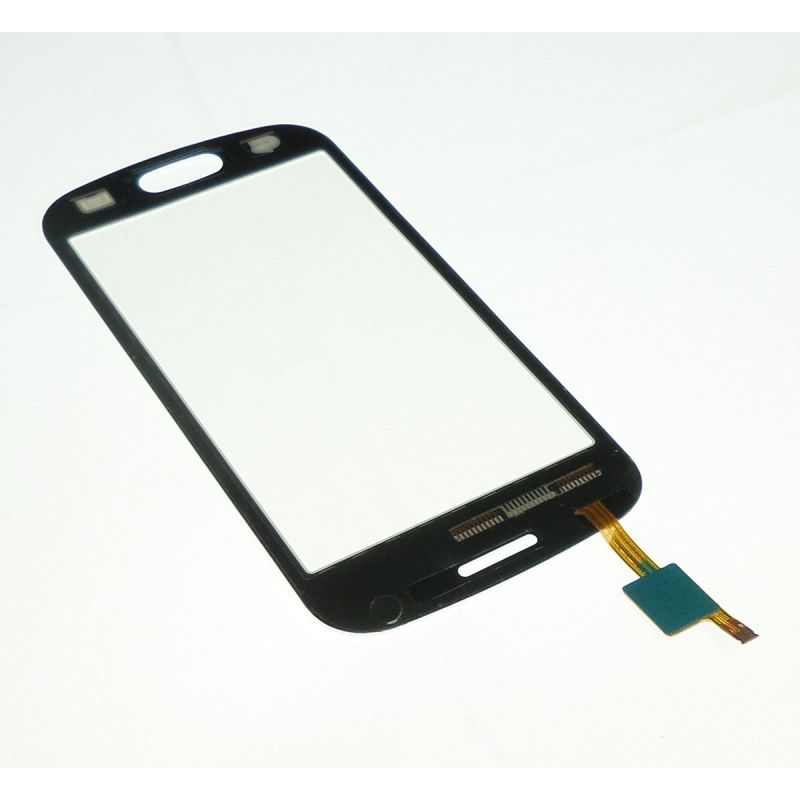
2.Ecran glass touch Samsung Galaxy Trend white lite S7390 S7390g and S7392. GH9606644A. <br / >Nudes are extending the warranty on this product to 2 years because we are certain of his quality. < br />
Quick :
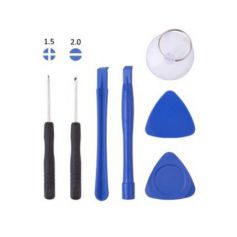
For this operation you will need a screwdriver Phillips PH00 or PH000, a spatula and a way of heating (or a hairdryer, or a gun heating, we recommend that you purchase, as you also have an iron a weld certainly, and also) a box a tool, it will be always useful). And also of course a new tactile glass: the colors are interchangeable, may be the time to change the color of your phone!
< br / >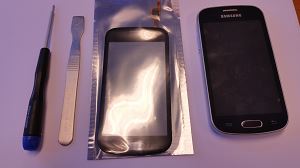
Think good backup your data and also did remove card SD and SIM NSAIDs as battery, for more security. Remove the back cover or hide battery. < br />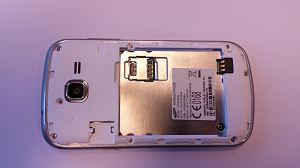
Unscrew all the screws. Some will not completely come out, that's okay as long as they are completely unscrewed. < br />Insert your lever at the top of the phone on the entire width of the slice. < br />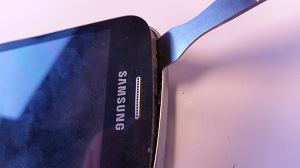
Take the tourof the chassis to released all the chassis back.
Once the motherboard in sight, unclip with your lever the connector of the water main.
< br />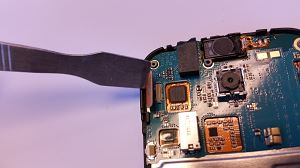
Then, you can easily remove the motherboard. You will see a tablecloth that will plug in a small black and white connector. Remove the small transparent film that protects and back part black as a lever (it's a fixing lever) < br />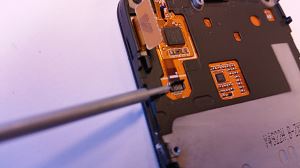
The water is always slightly stuck has his support, with your spatula you can take it off easily, if this is not the case 15 sec heating will convince. < br /.>Heat the top of the window of the aircraft after returned it, a good time 4-5 minute to 250 °. < br />Insert your spatula up and slide it up to the level of the LCD. 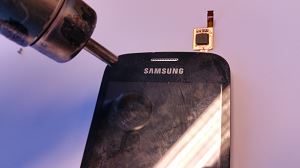
Do run it all the way in the opposite direction of the clockwise and alternating heating and the sliding of the spatula all the 2 to 3 cm.
Once the glass has been released, cleanthe LCD and put there a film (we sell but if you're not pro film will be perfect.) This will avoid the dust will drop. < br />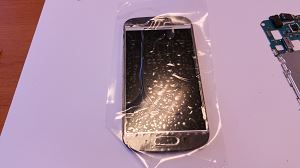
Unpack your glass and put it down quickly after removing the film side LCD, because on this side also it could settle the dust and this isn't the goal.
< br />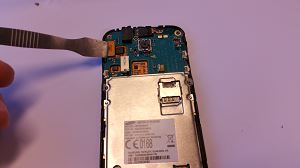
When reassembling be sure to reconnect the main slick and before that the tablecloth of the glass on the small connector lever and also remember to lower the lever.
For a more detailed overview please view the videos available on this product page.
Blog


Accessories
Delivery Date
Order before 14 h
for delivery between 22/10 and the 25/10/26
Approximate date using Suivi GRATUIT moreInfo